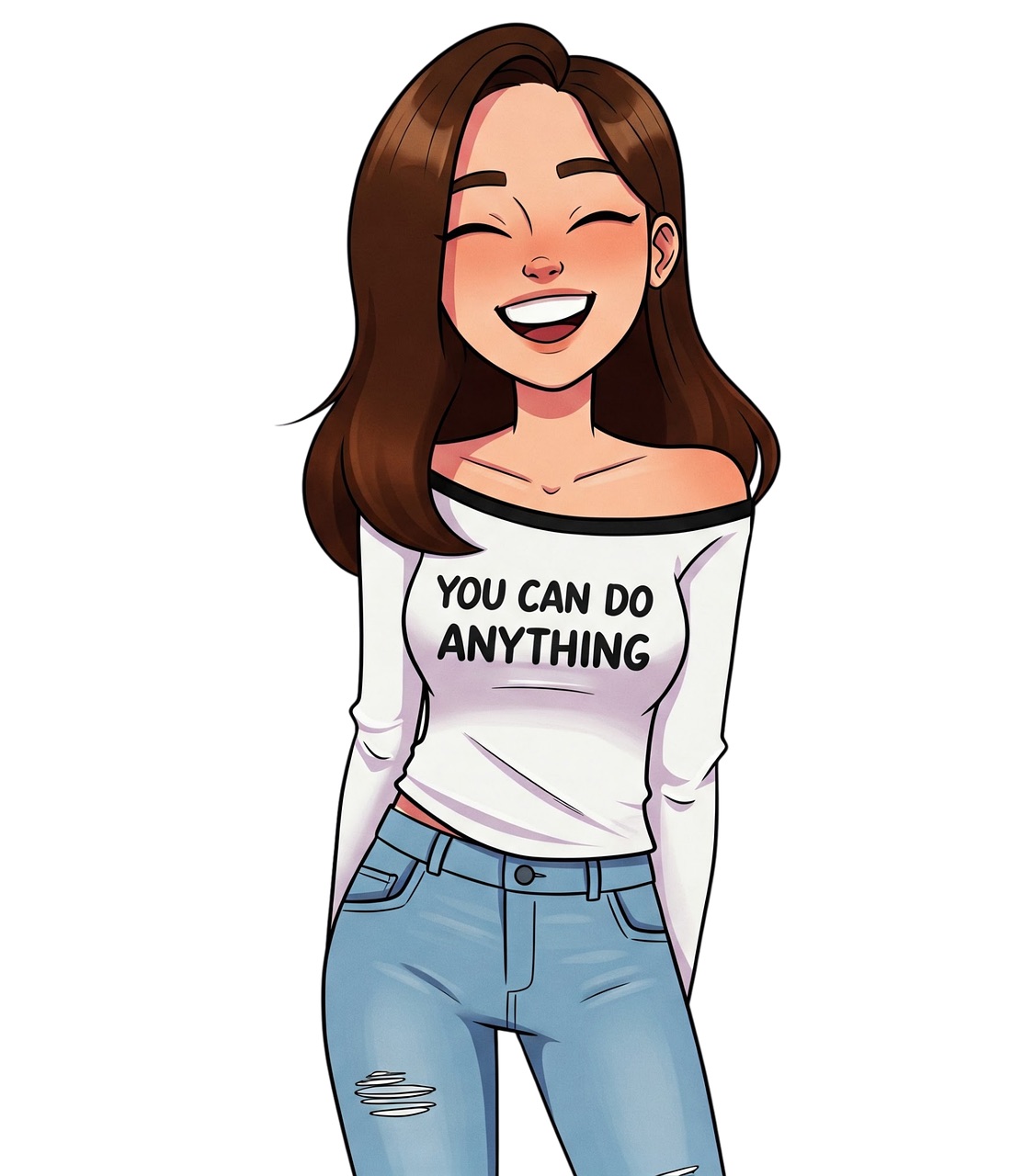
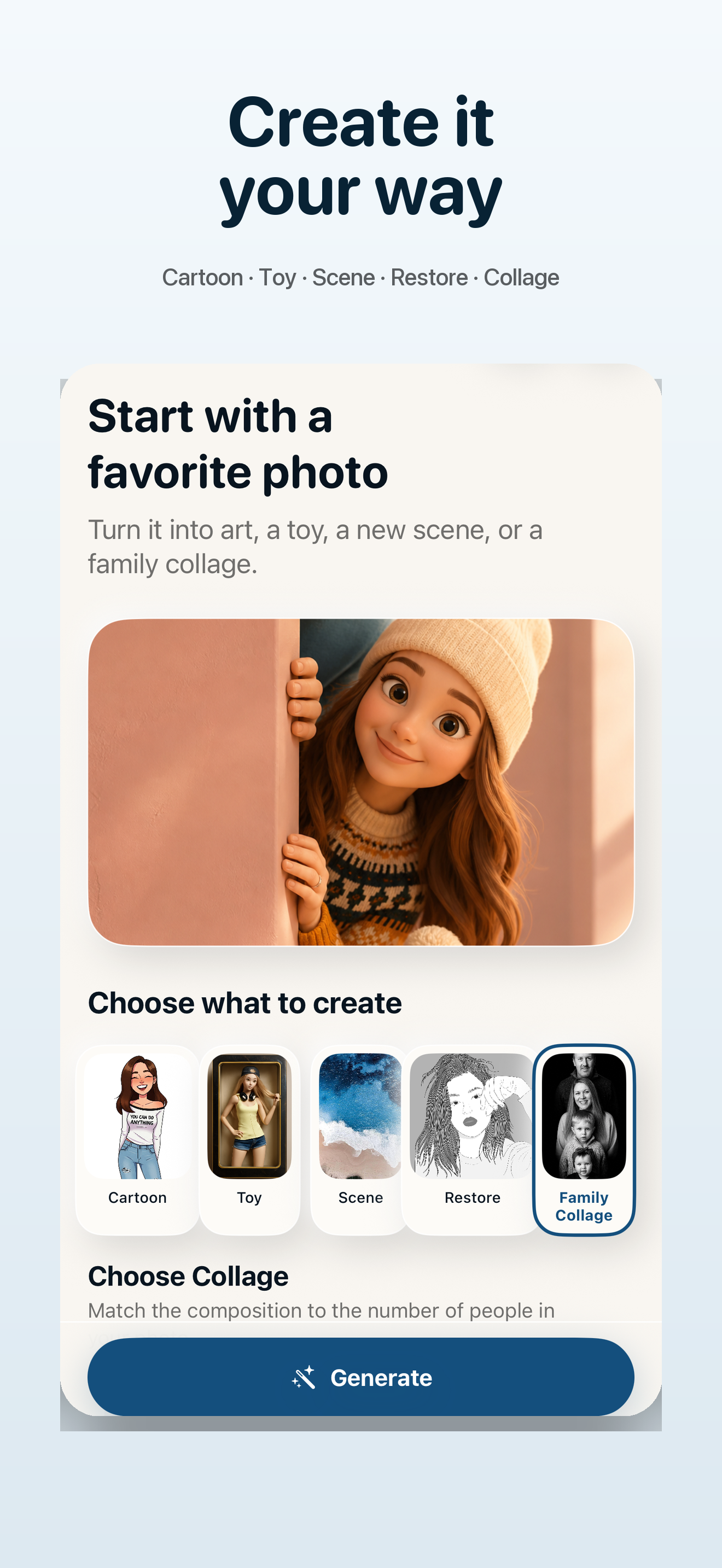
Choose a direction
Cartoon & Art
Turn a portrait into expressive illustrated art with styles from clean cartoon to watercolor and sketch.
Create on iPhone Make Me Cartoon
Your photos, reimagined
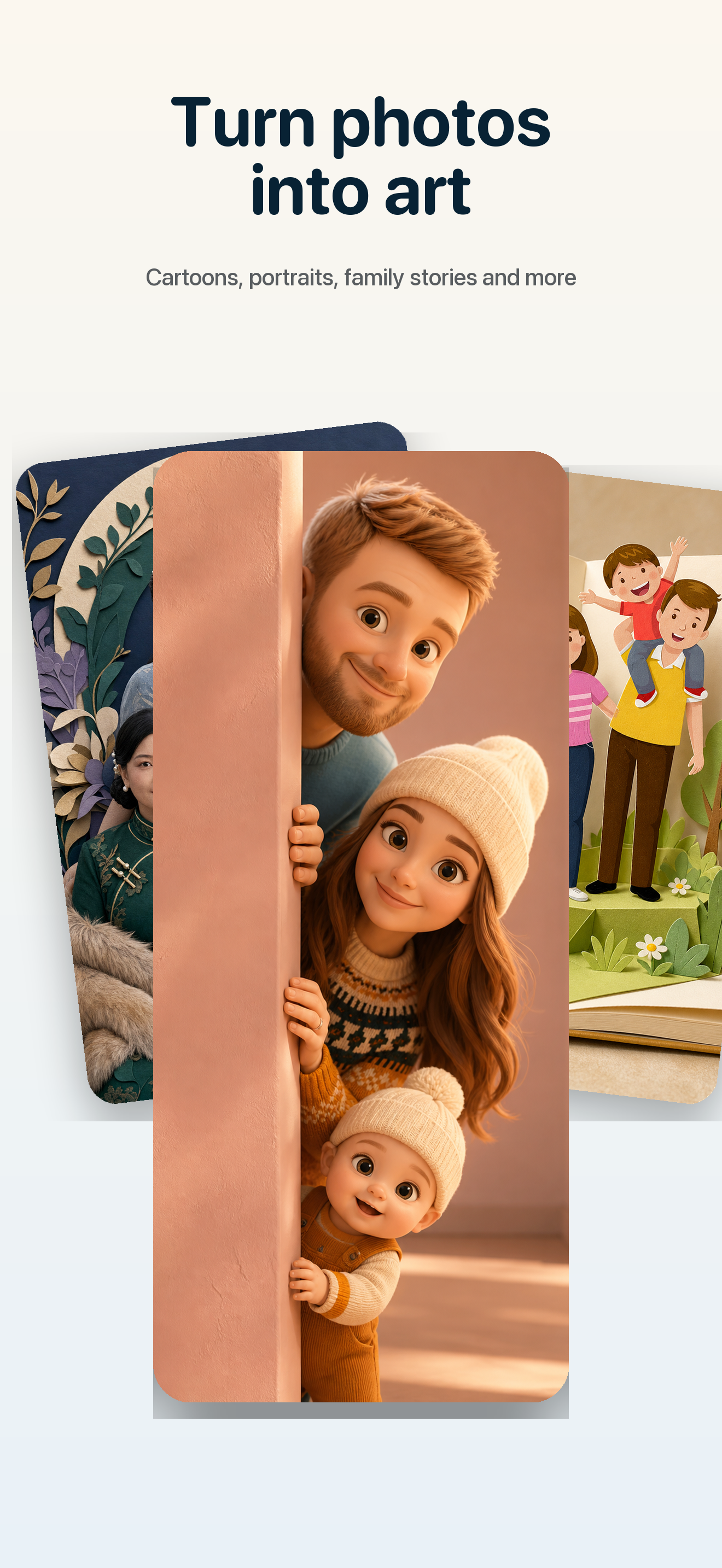
Turn everyday photos into cartoons, illustrated portraits, collectible toys, imaginative scenes, restored memories, and family collages, right on your iPhone.
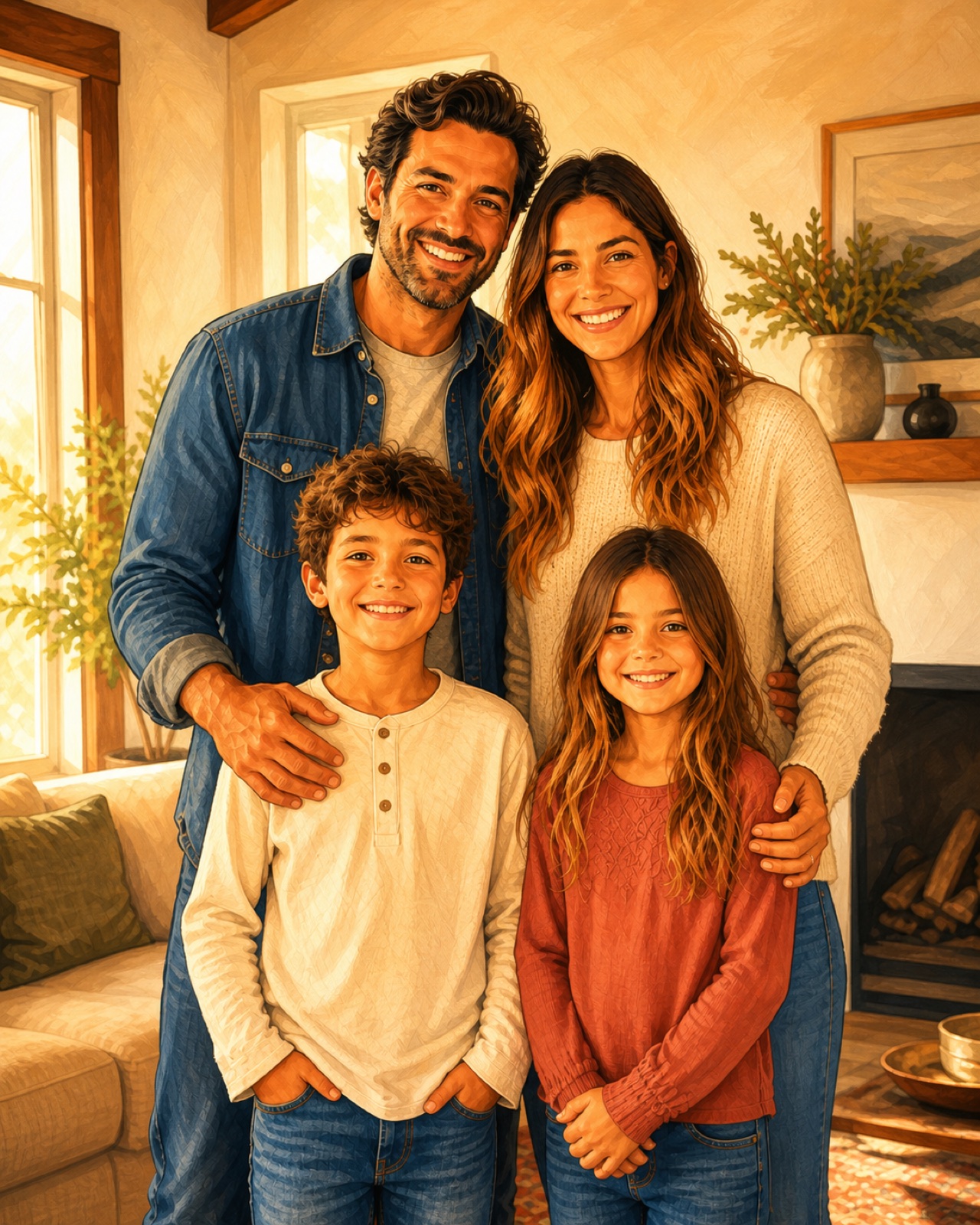
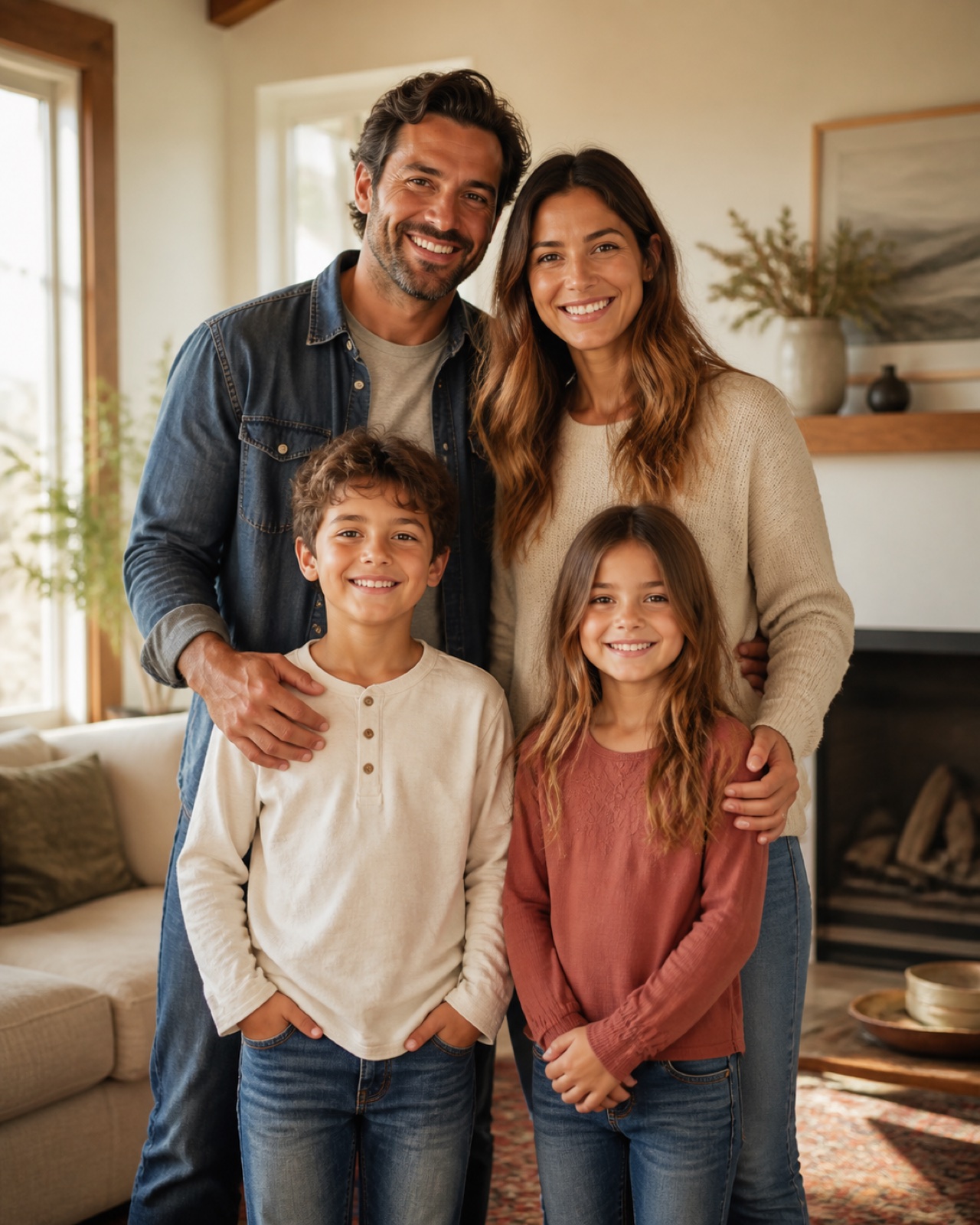
Before meets after
Keep the people and the moment. Change the way the memory feels.
Five ways to create
Choose a direction, then tune the style and output for the moment you want to make.
Choose a direction
Turn a portrait into expressive illustrated art with styles from clean cartoon to watercolor and sketch.
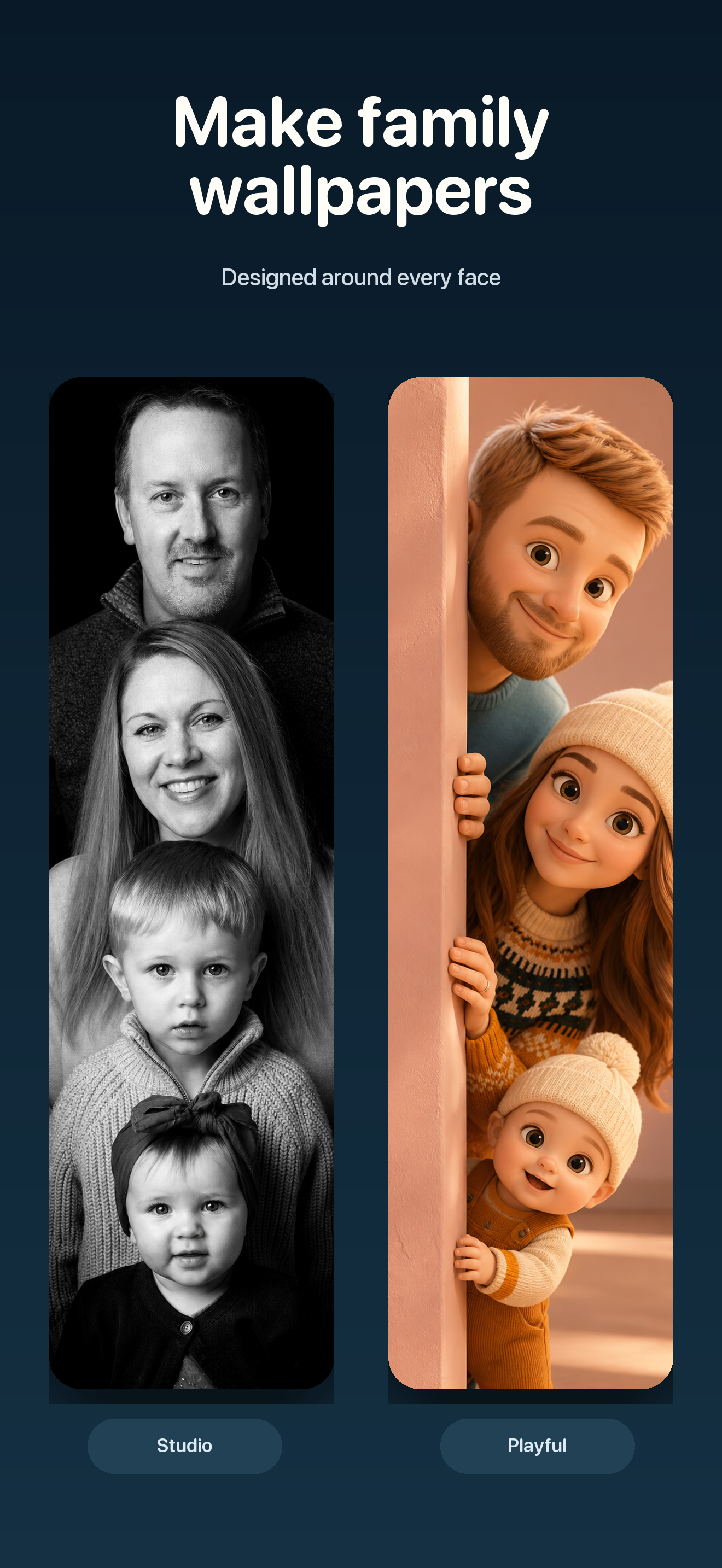
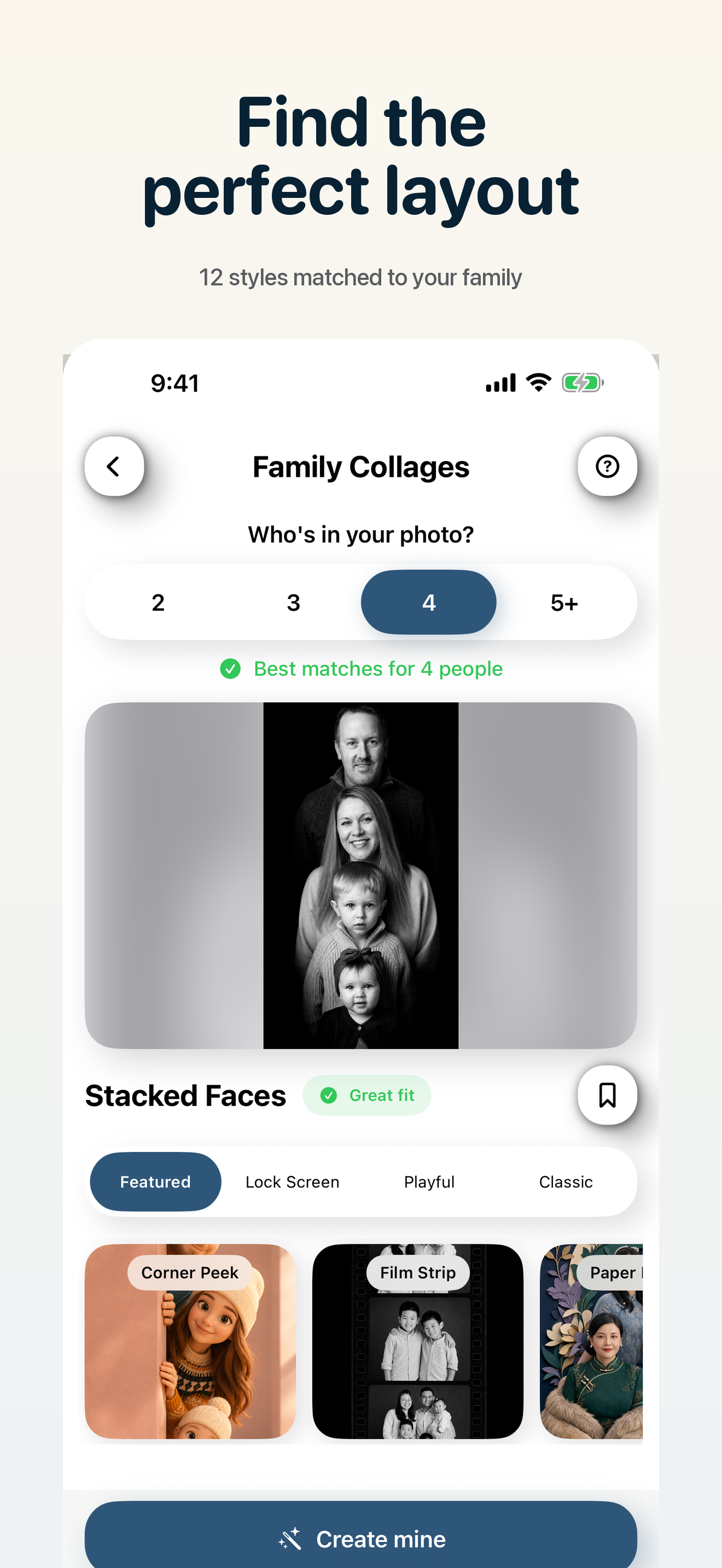
Create on iPhoneFamily collages
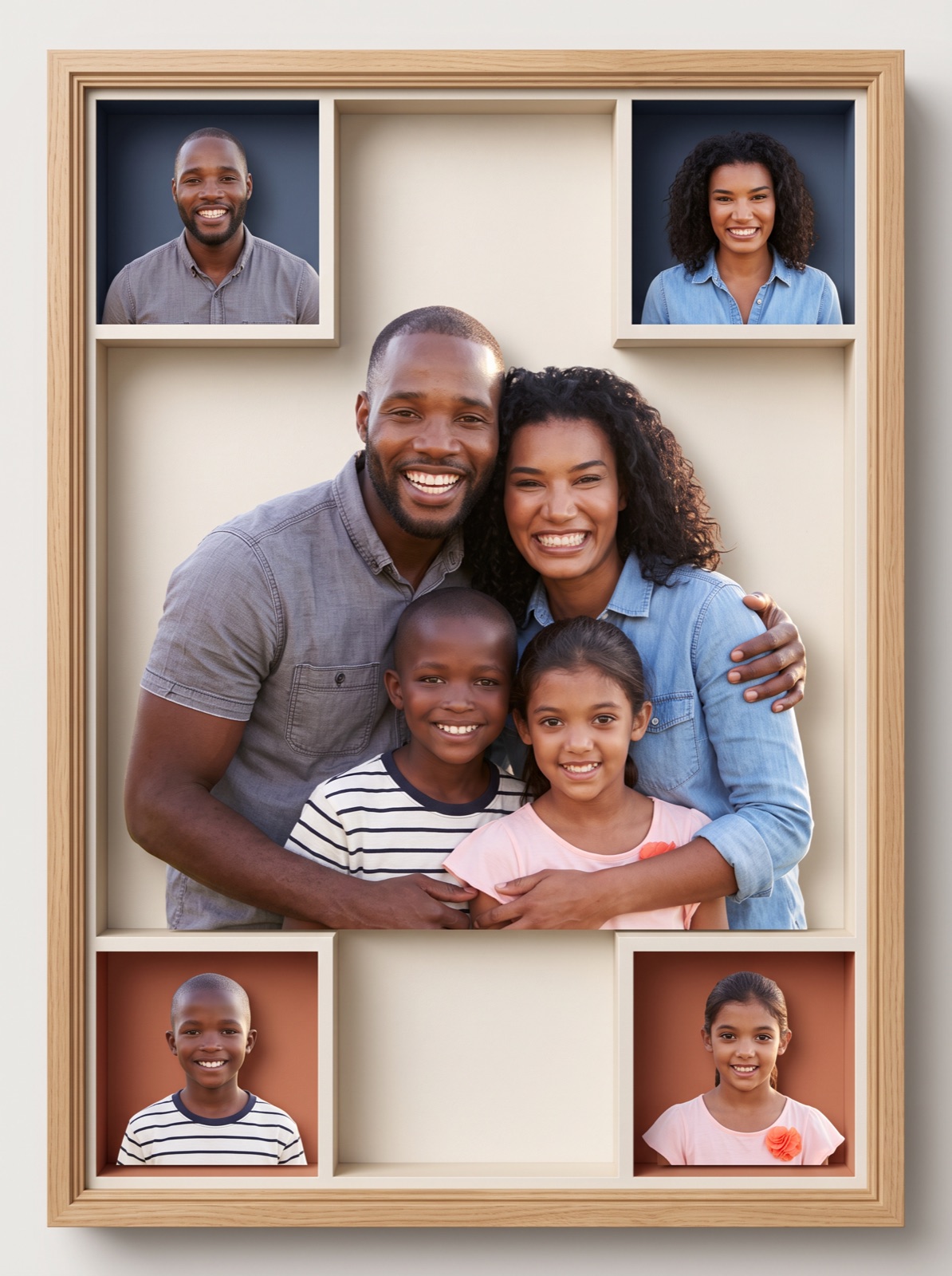
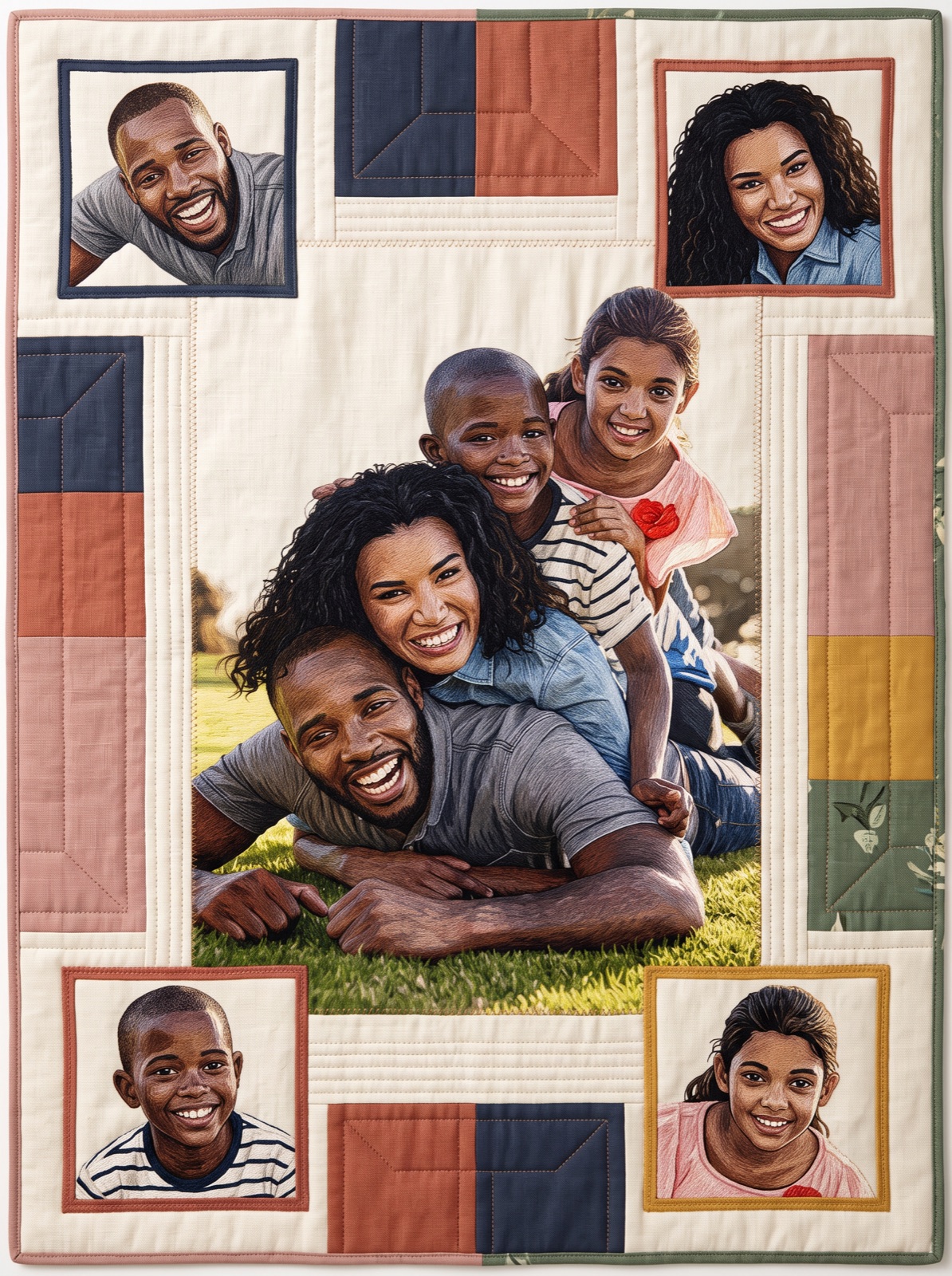
Choose a composition made to preserve the exact people in your photo, then turn the group into a frame-worthy story.
Featured layout
Warm, tactile panels that make a pair feel like part of one handcrafted keepsake.
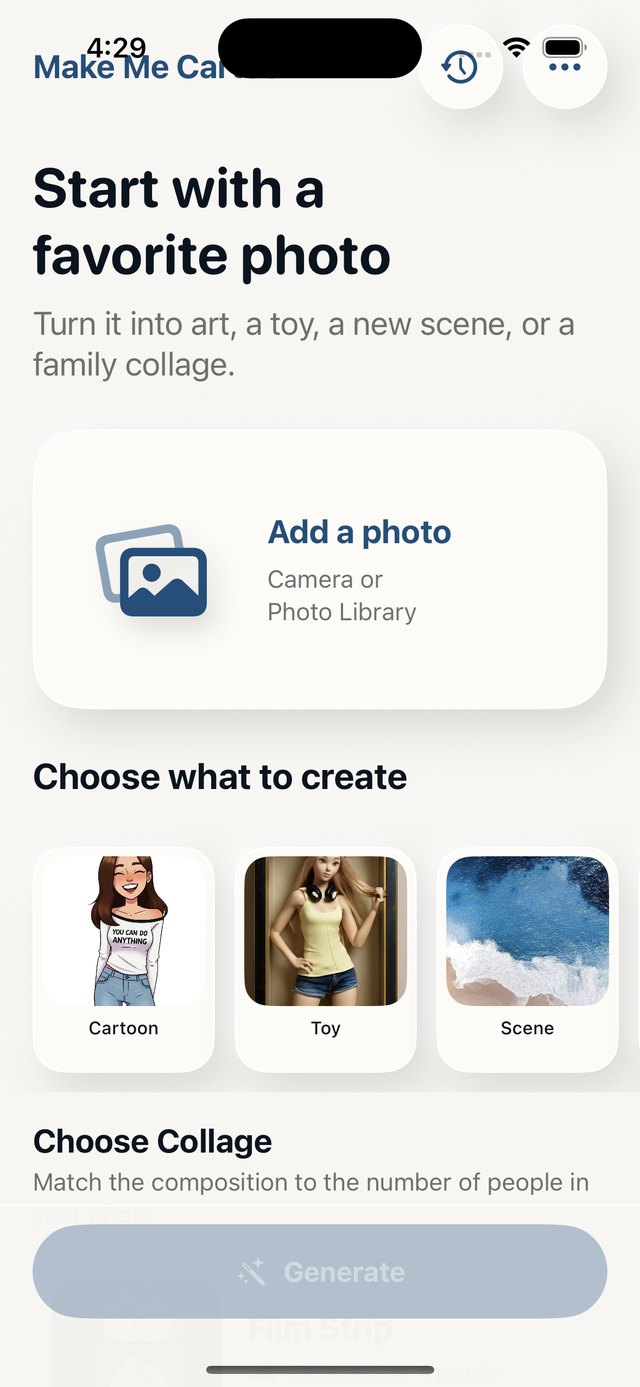
Inside the app
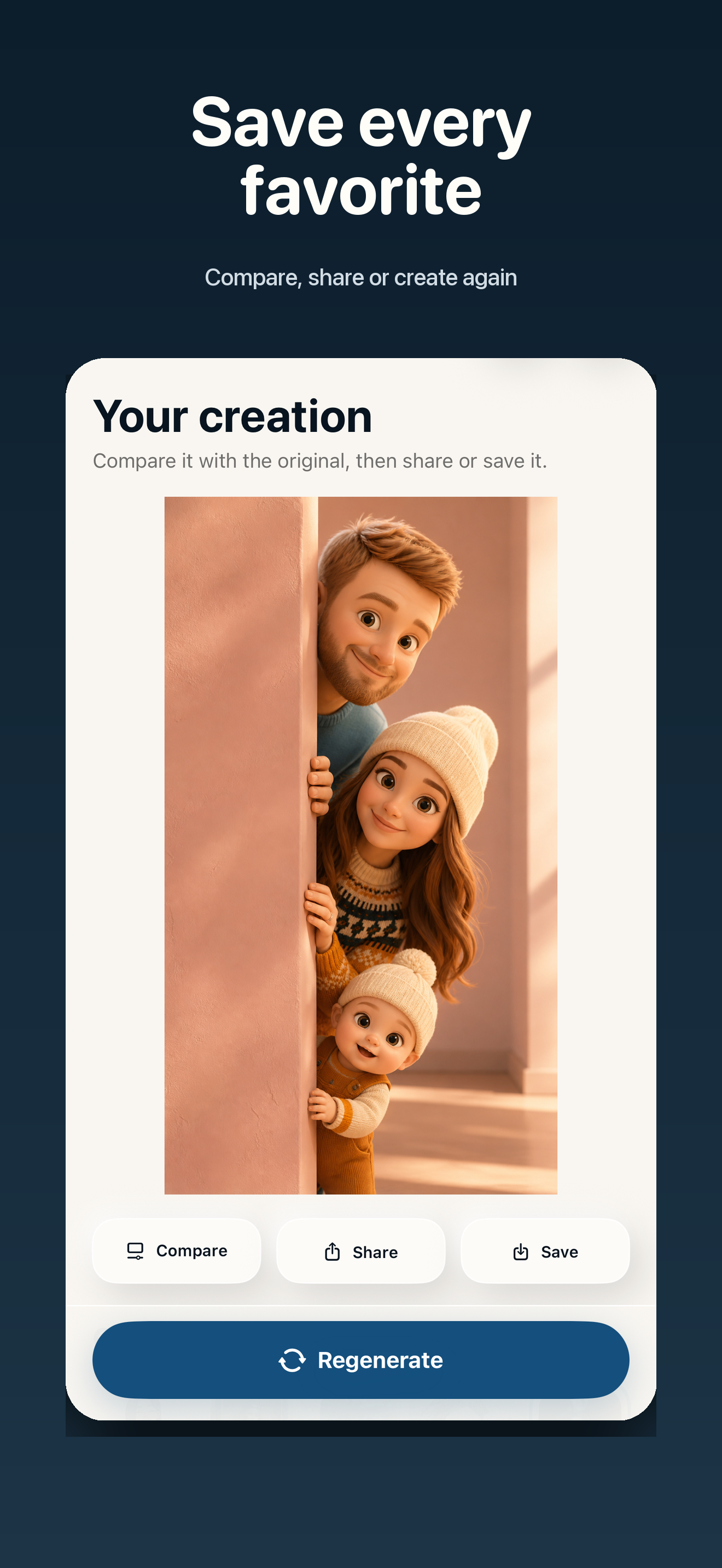
The creation flow stays focused while giving you room to explore.
More than a filter
Bring subjects from multiple photos into one new creation.
Open up the scene beyond the original frame.
Turn a result into a personal greeting or keepsake.
Create a coordinated set from one favourite result.
Try another look without beginning from scratch.
Return to recent results, then save or share again.
Simple by design
Choose one from your library or take a new picture.
Pick the mode, style, collage, and output format.
Compare, refine, share, or keep creating.
Made for personal moments
Make Me Cartoon uses your chosen photo to create the result you request. Read the privacy policy for the current details on processing and data handling.
Questions, answered
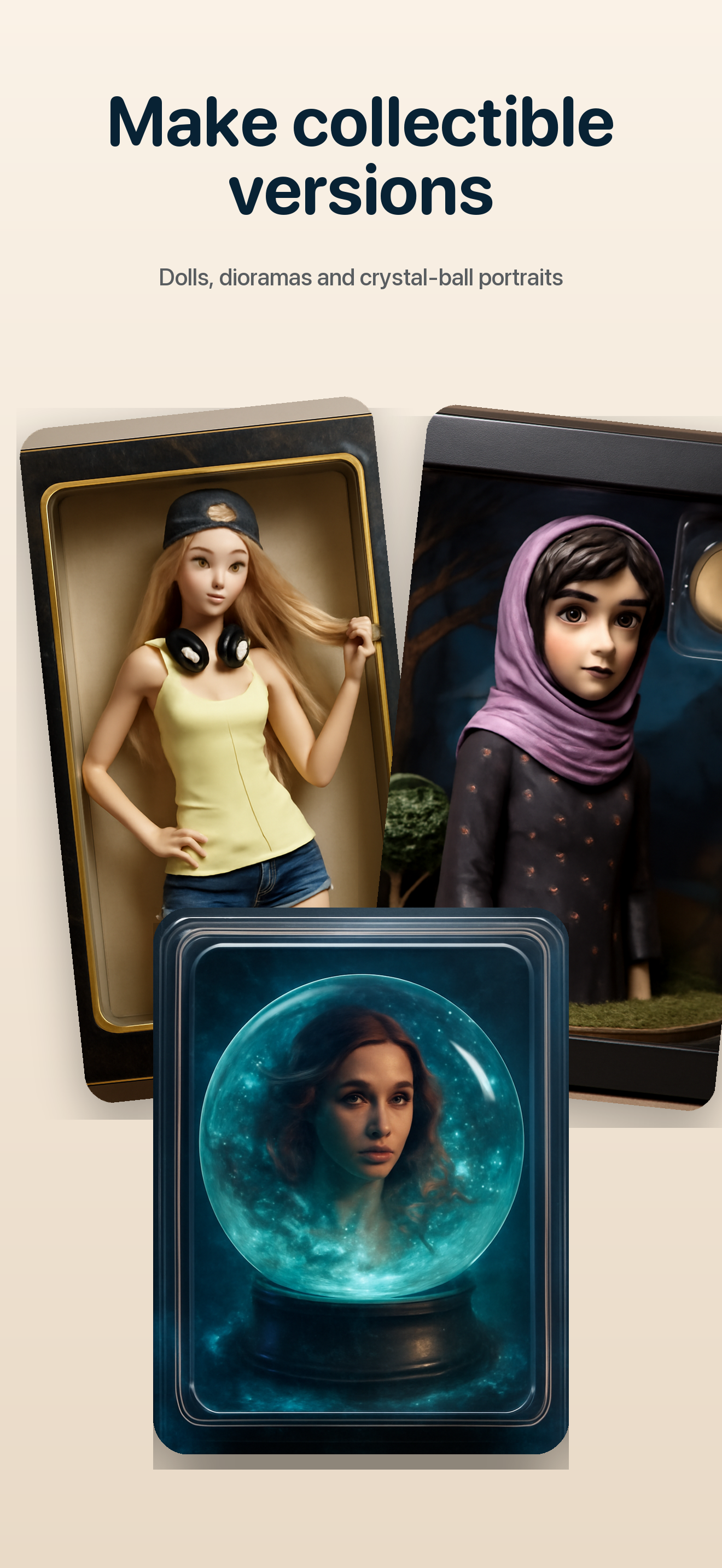
You can create cartoon and art styles, collectible toy looks, new scenes, restored photos, and family collages. Some results can also be expanded, restyled, or turned into cards and coordinated family packs.
Yes. Choose Combine Photos when you want to bring subjects from multiple images into one creation.
The collage flow is designed around the people detected in your photo and prompts the generation to preserve that count. AI results can vary, so always review the final image before saving or sharing.
Choose portrait, wallpaper, or square output depending on where you want to use the finished image.
Email support@karmaacademy.com.au and include the device and iOS version you are using.
A new version of a familiar moment